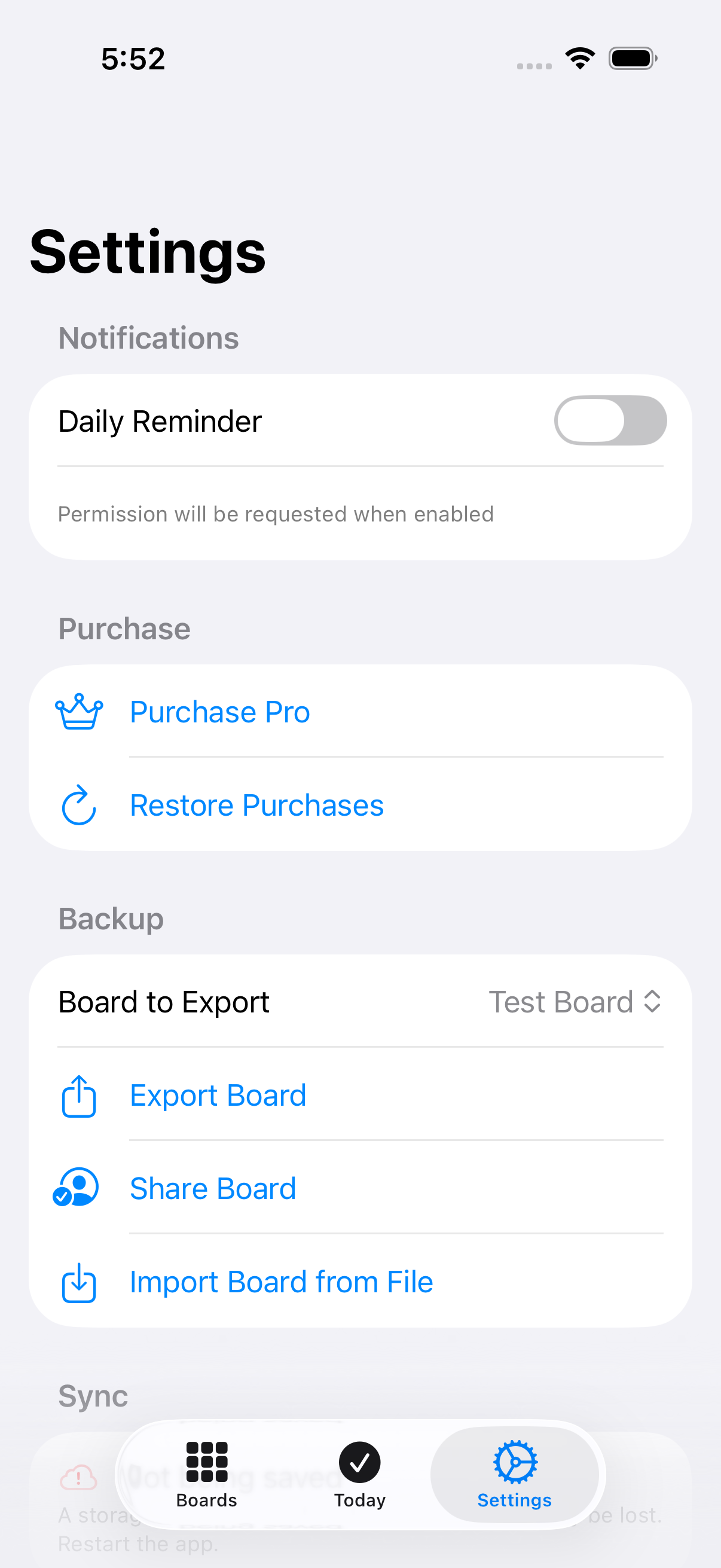
Settings
Last updated
Configure reminders, manage your subscription, back up boards, and check sync status.
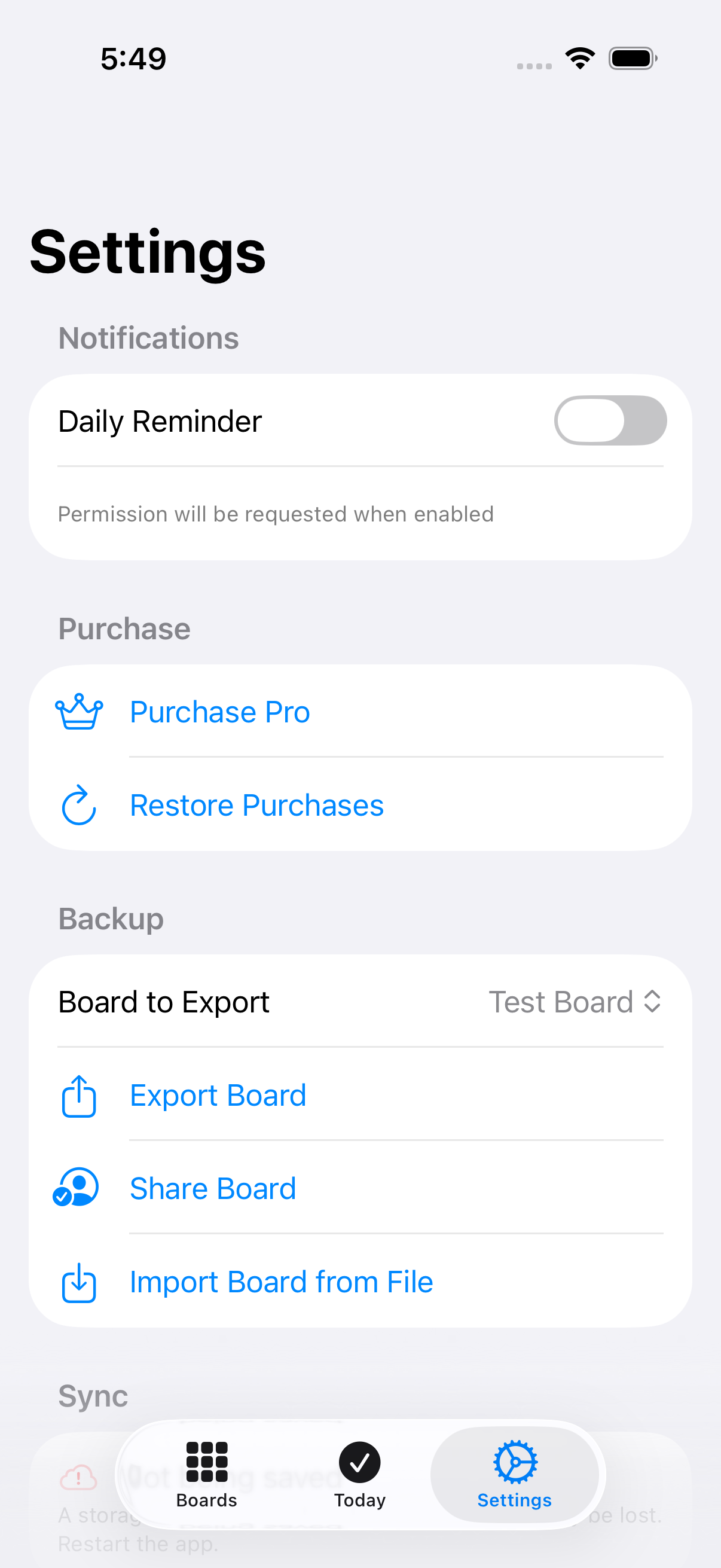
Board to Export
Choose which board the Export Board and Share Board actions apply to.
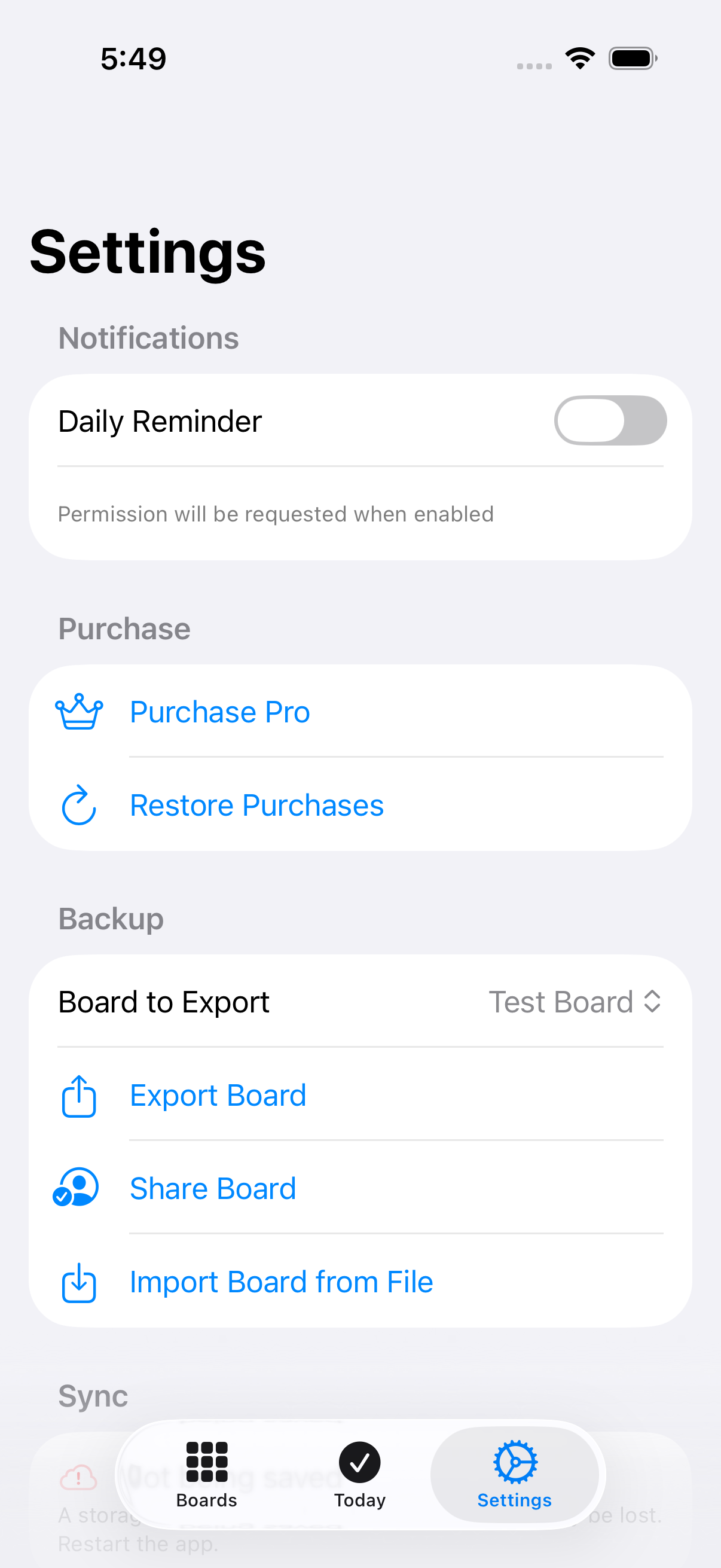
Export Board
Exports the selected board as a JSON file you can save or share. Disabled until you pick a board above.
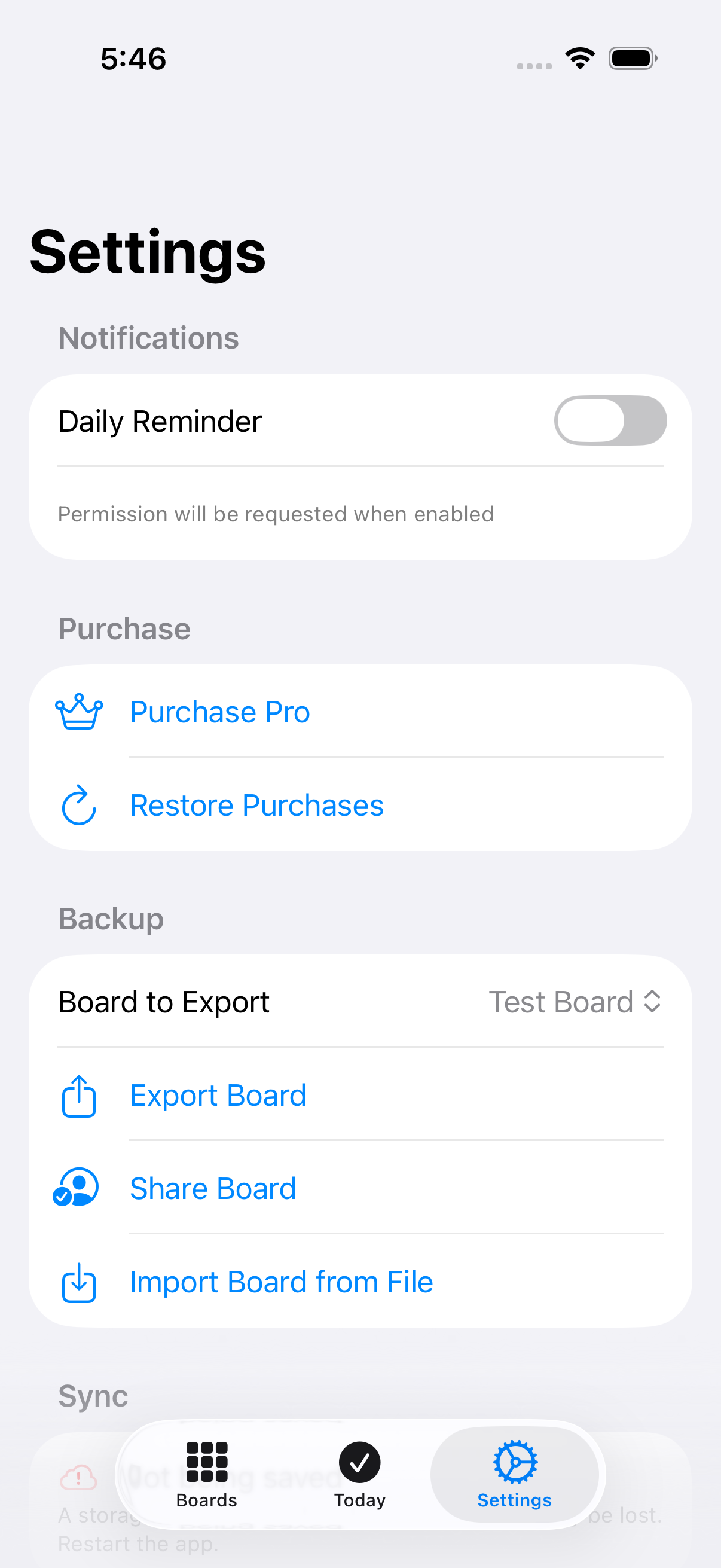
Export board file (fileExporter)
The system file-save sheet where you choose where to save the exported board JSON.
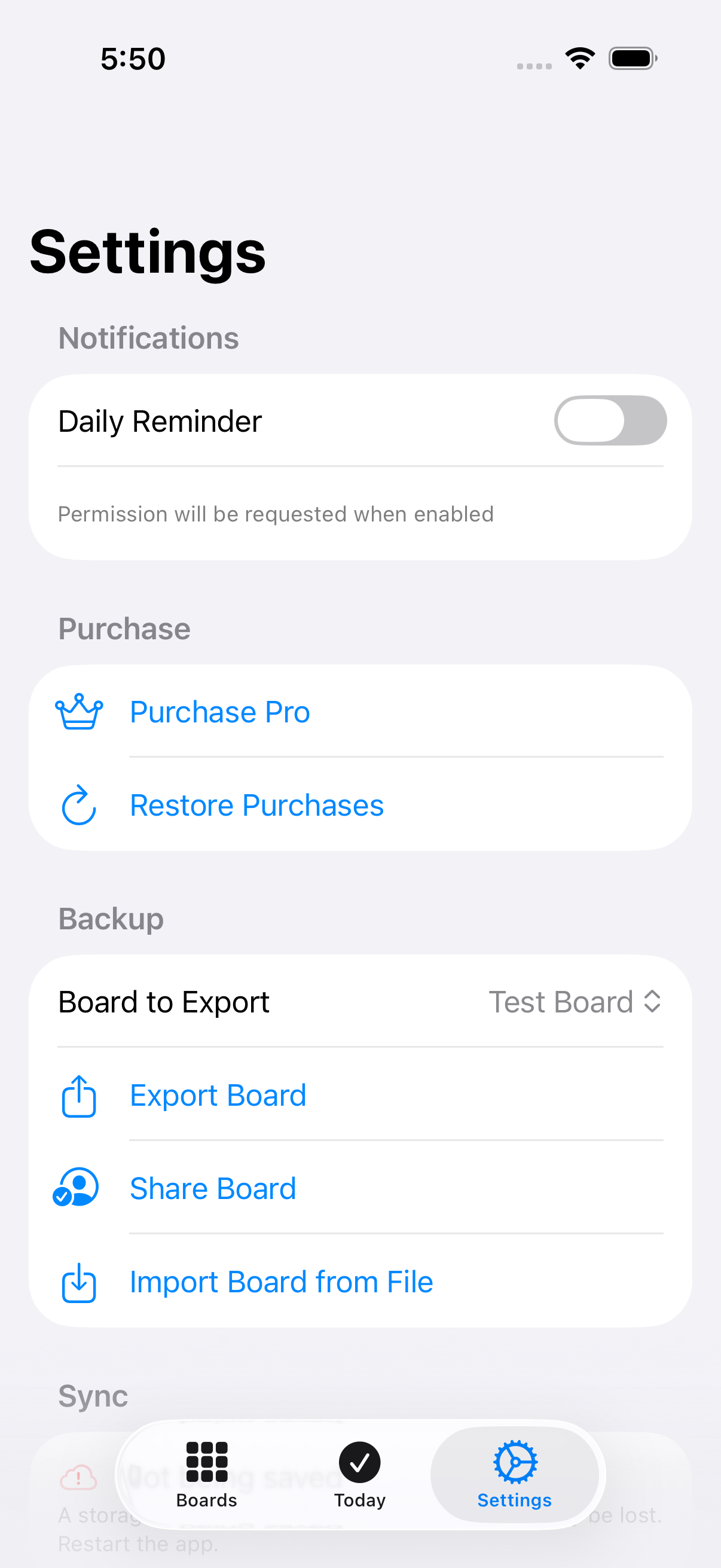
Import Board from File
Opens the system file picker to import a board you previously exported as JSON.
Import board file (fileImporter)
The system file picker where you choose a previously exported board JSON file to import.
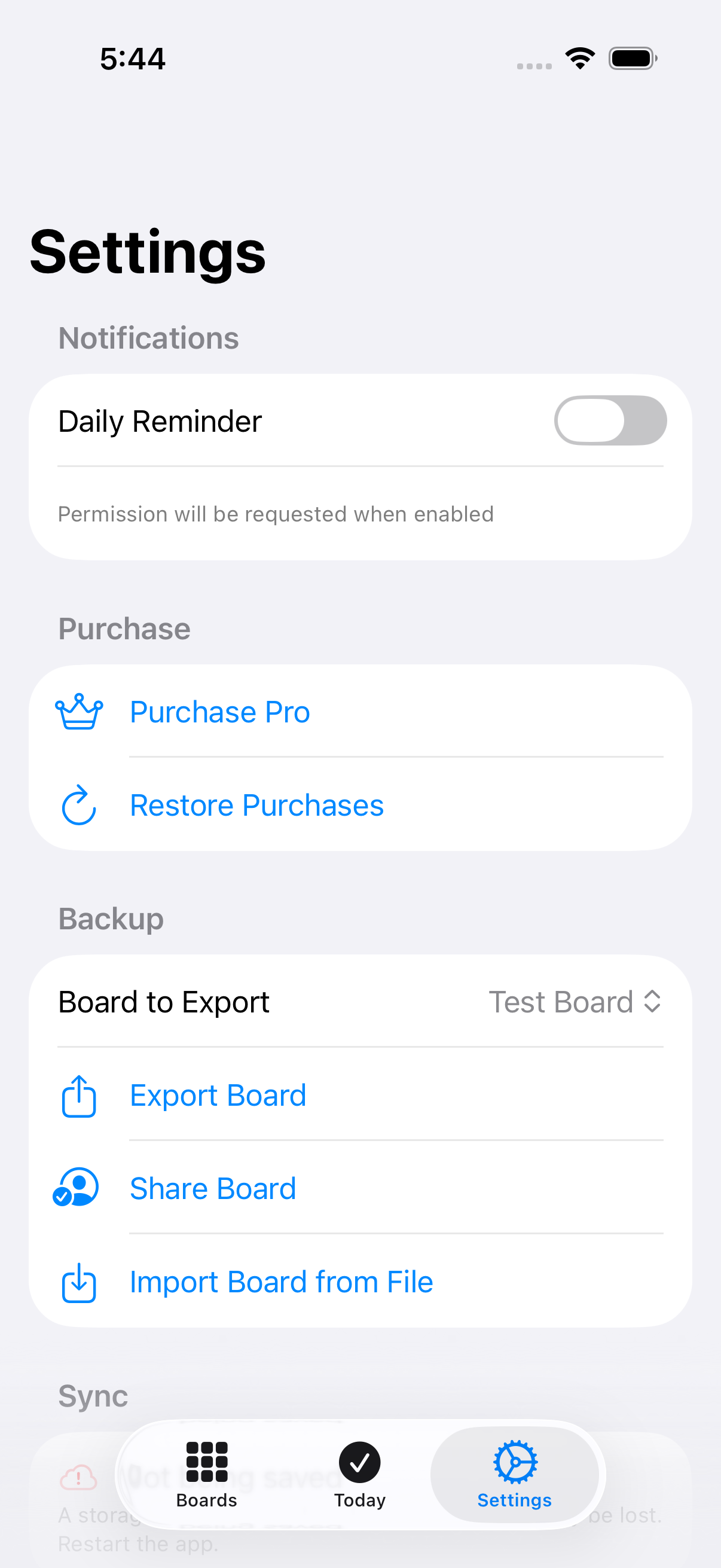
Purchase Pro
Opens the paywall to view Harada Pro subscription options.
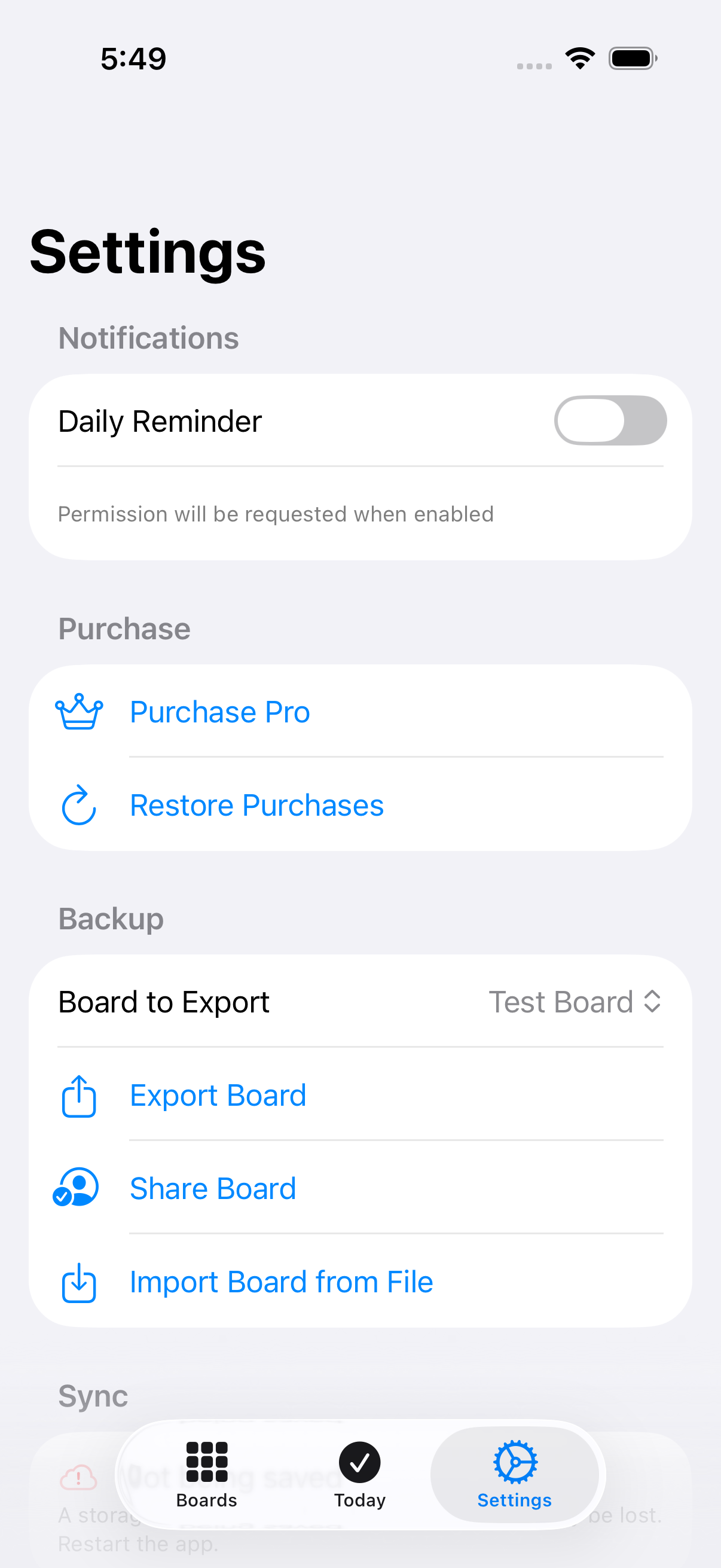
Daily Reminder
Turns the daily check-in reminder on or off. Turning it on requests notification permission if you haven’t granted it yet.
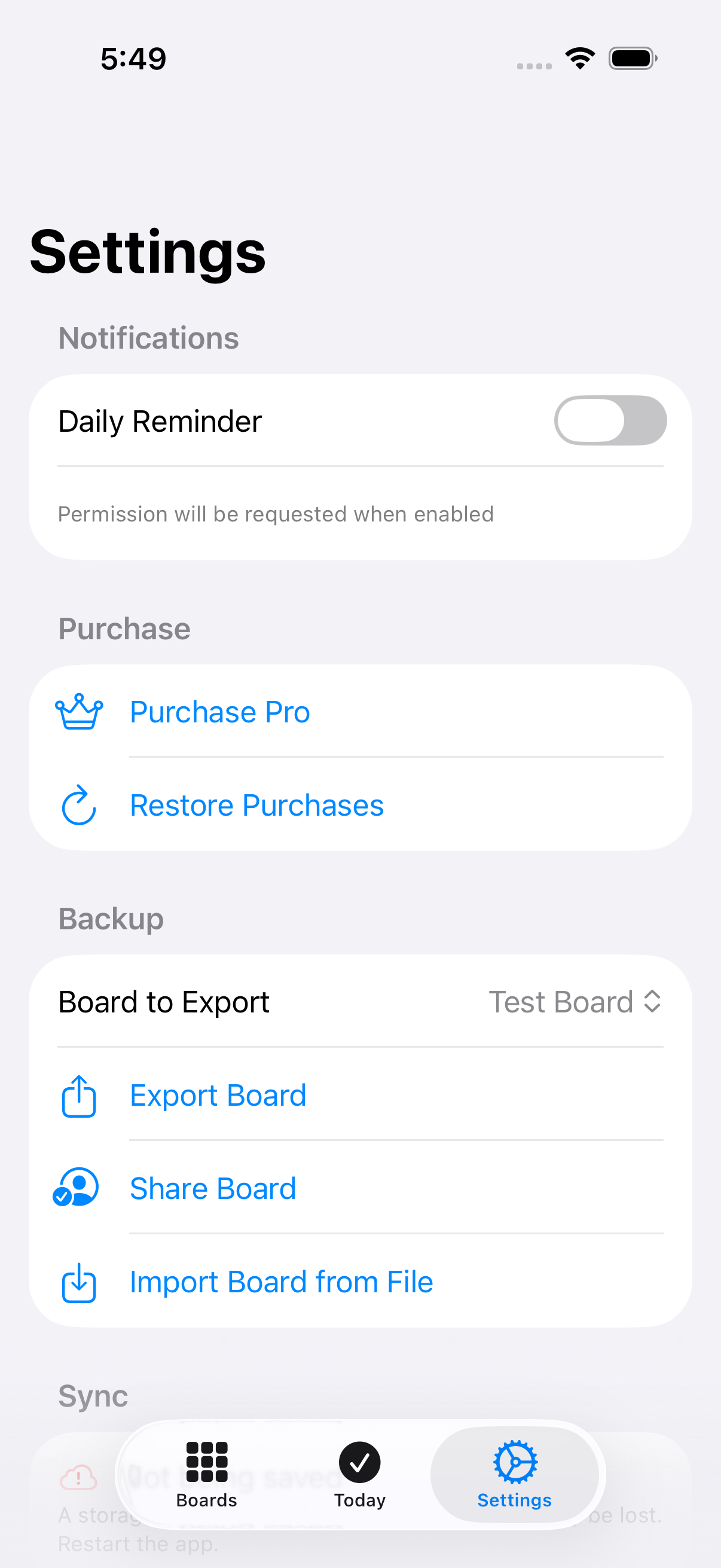
Paywall sheet
Presents the Harada Pro paywall over Settings.
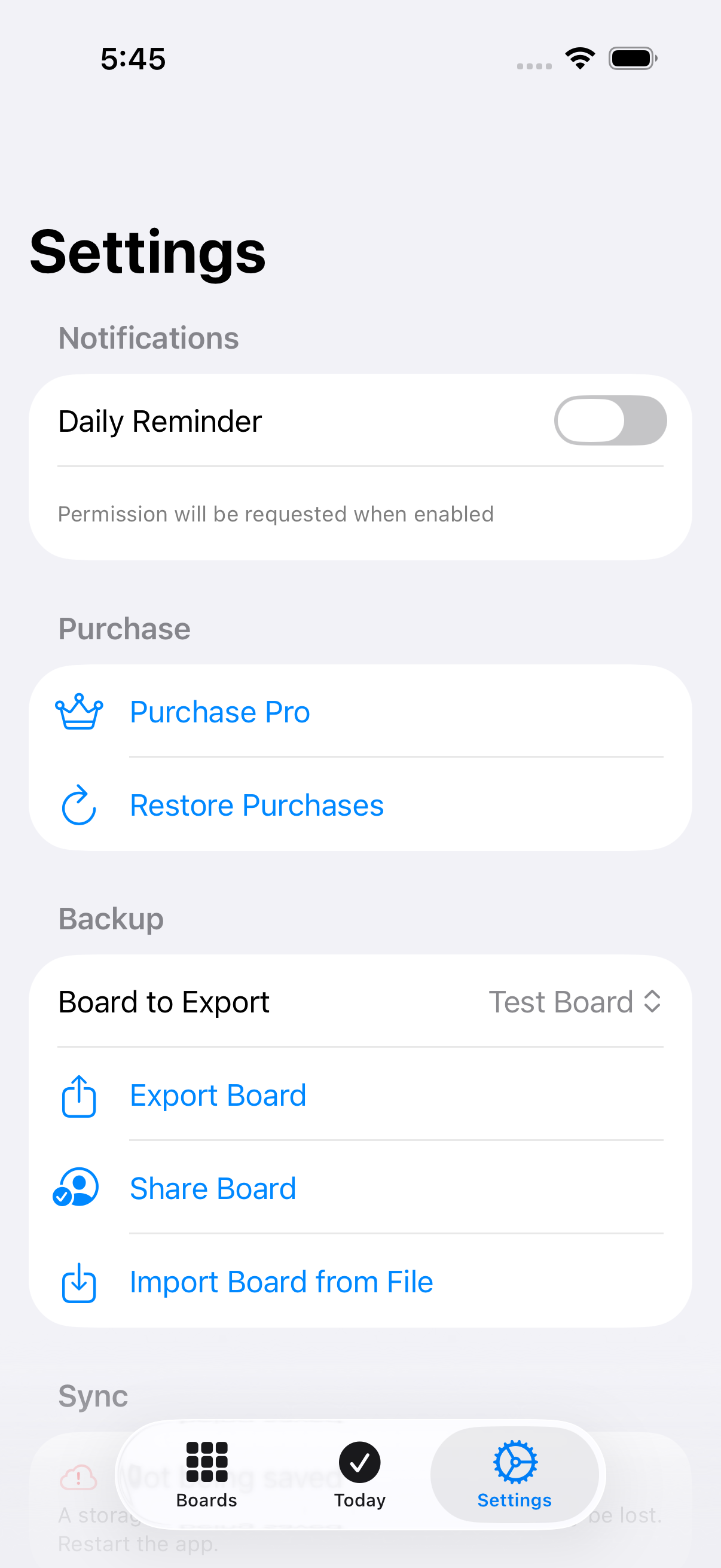
Restore Purchases
Re-checks your Apple ID for a prior Harada Pro purchase and restores it. Reports whether anything was found.
Share Board
Opens the system share sheet with the selected board as a JSON file, ready to send by Messages, Mail, AirDrop, or any share destination.