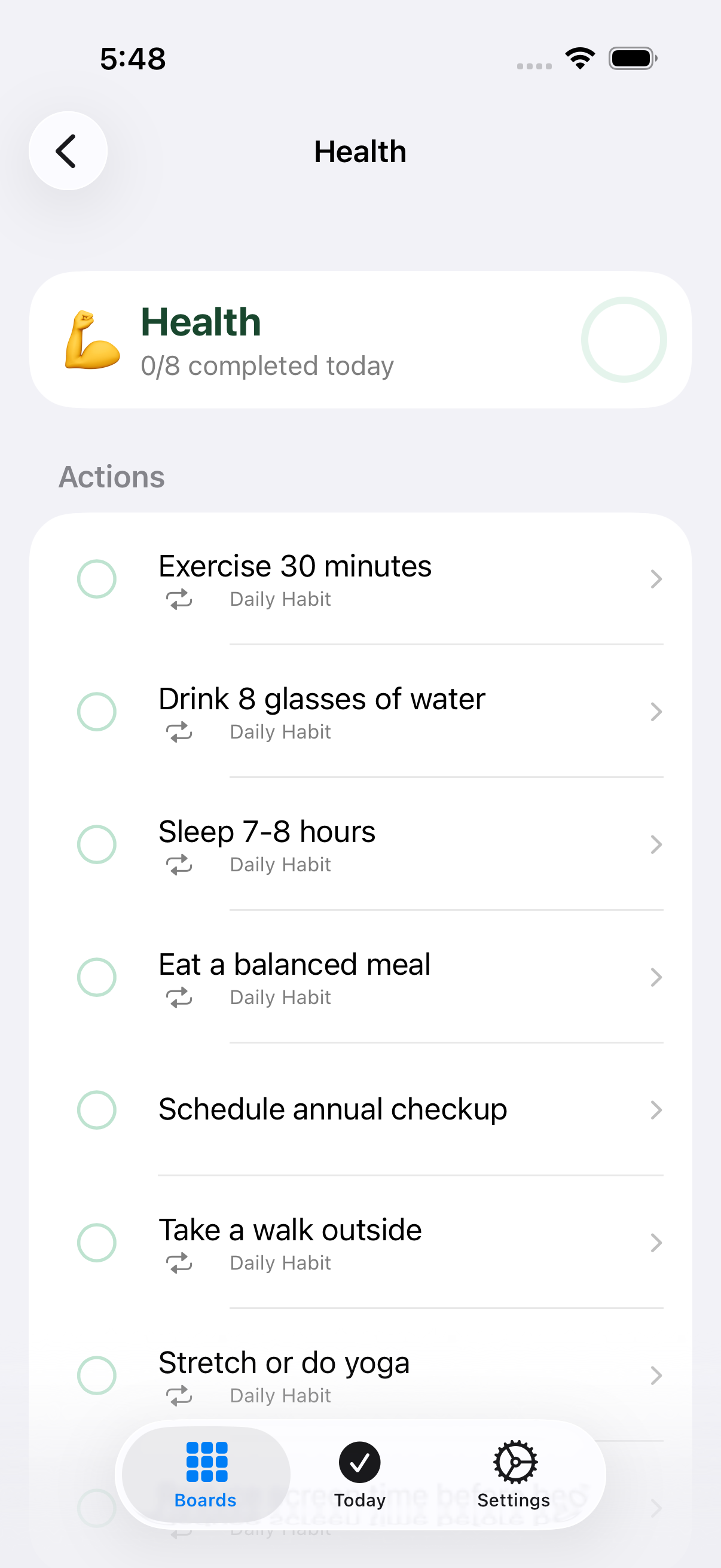
Pillar Detail
Last updated
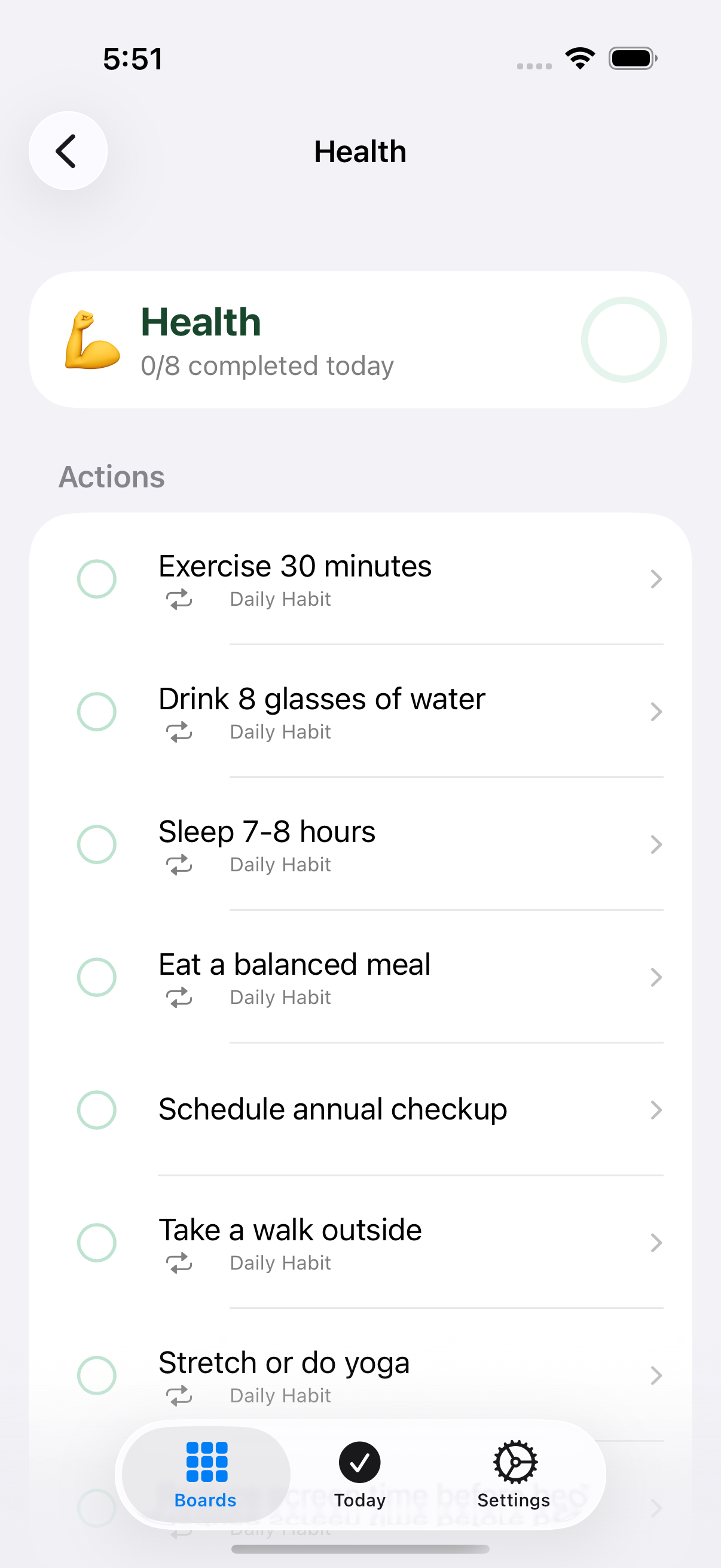
See a pillar’s 8 actions, check off today’s progress, and manage each action.
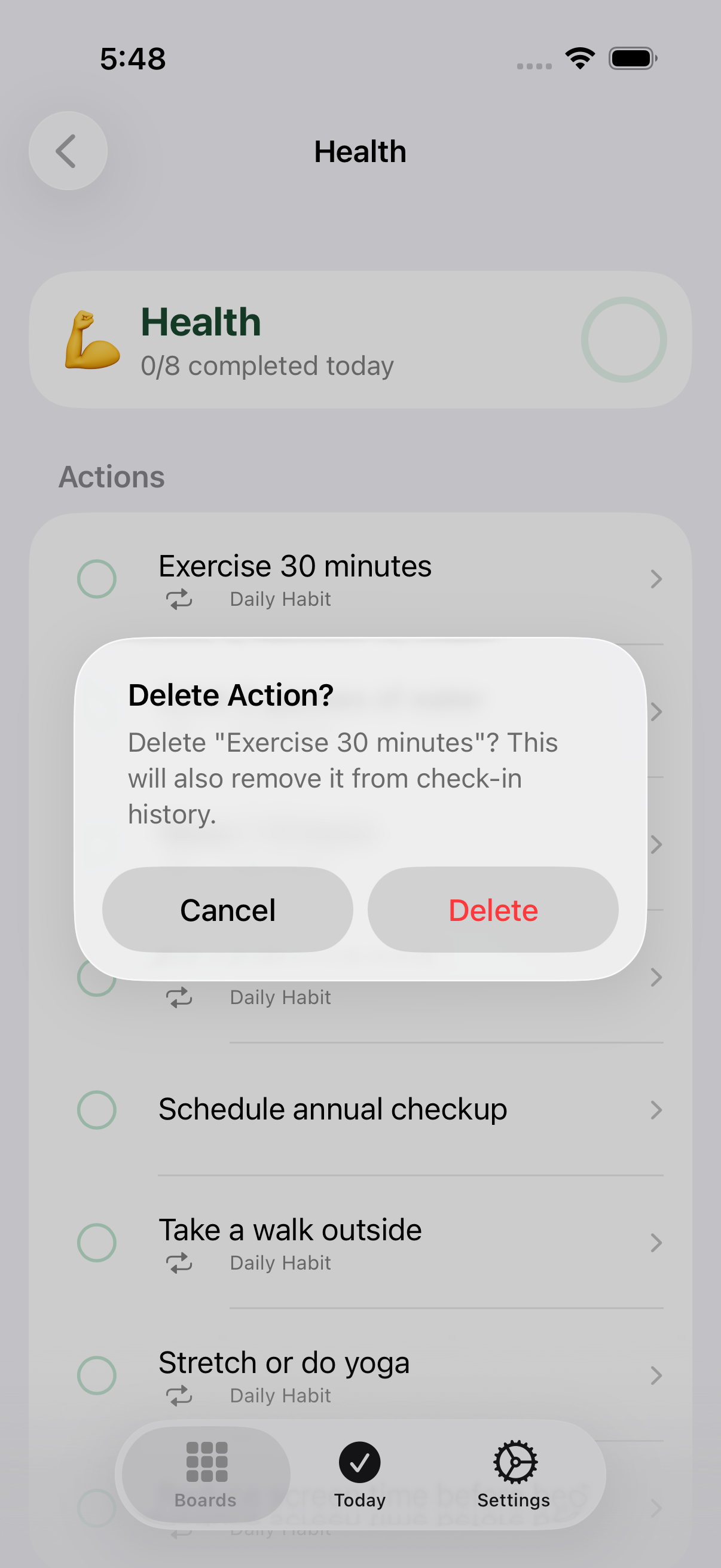
Cancel (Delete Action alert)
Cancels deleting the action and keeps it in the pillar.
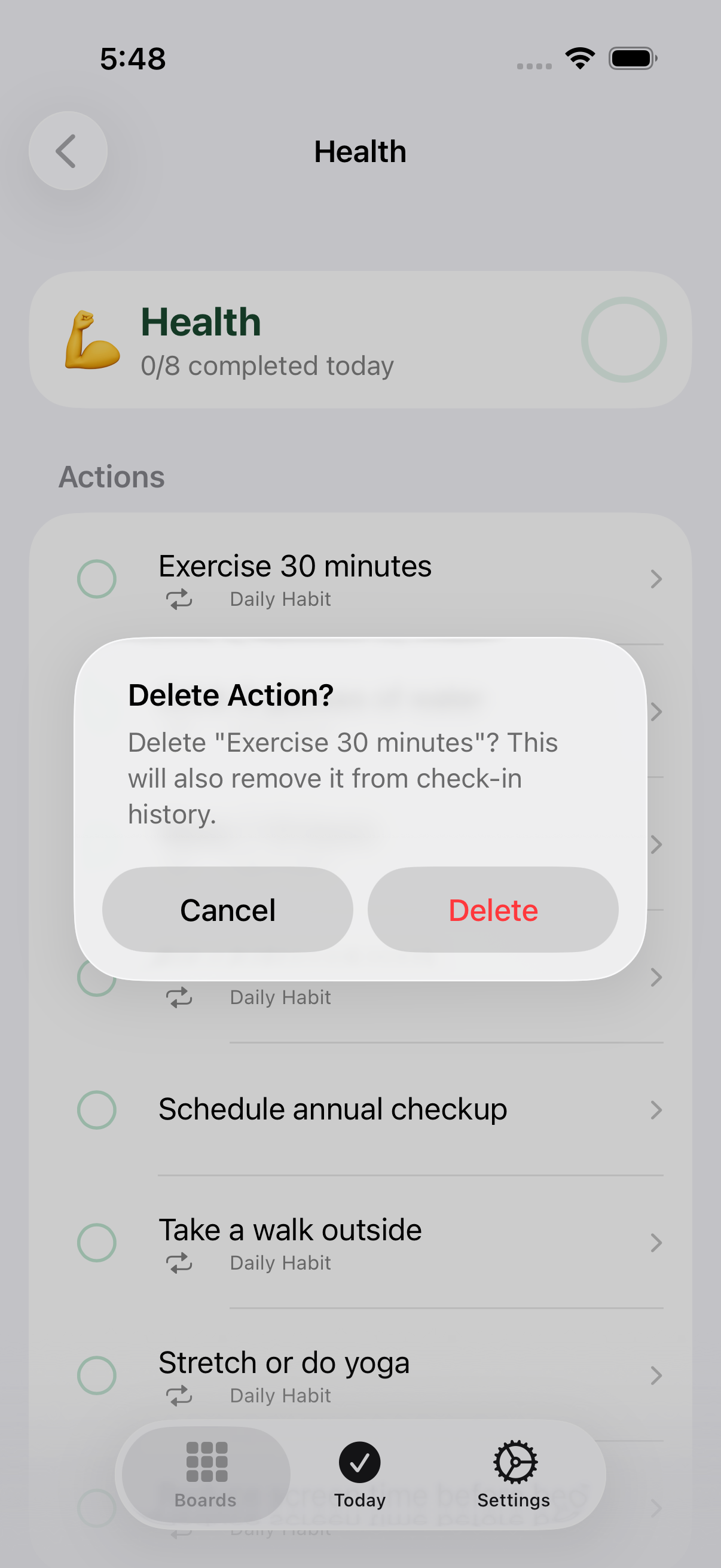
Delete (Delete Action alert)
Permanently deletes the action and removes it from past check-in history. This can’t be undone.
Action row (opens Action Detail)
Opens Action Detail for this action, where you can add sub-tasks and see its full status.
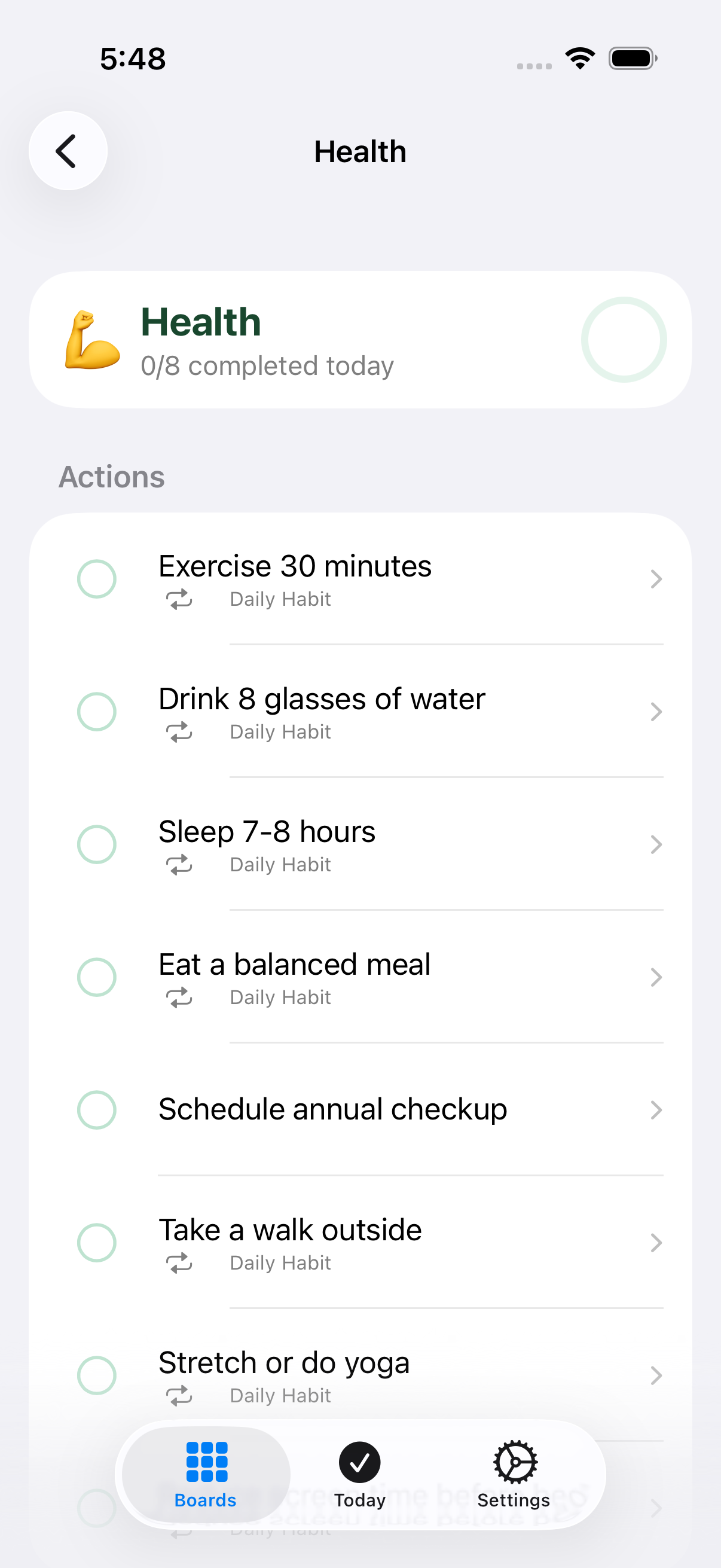
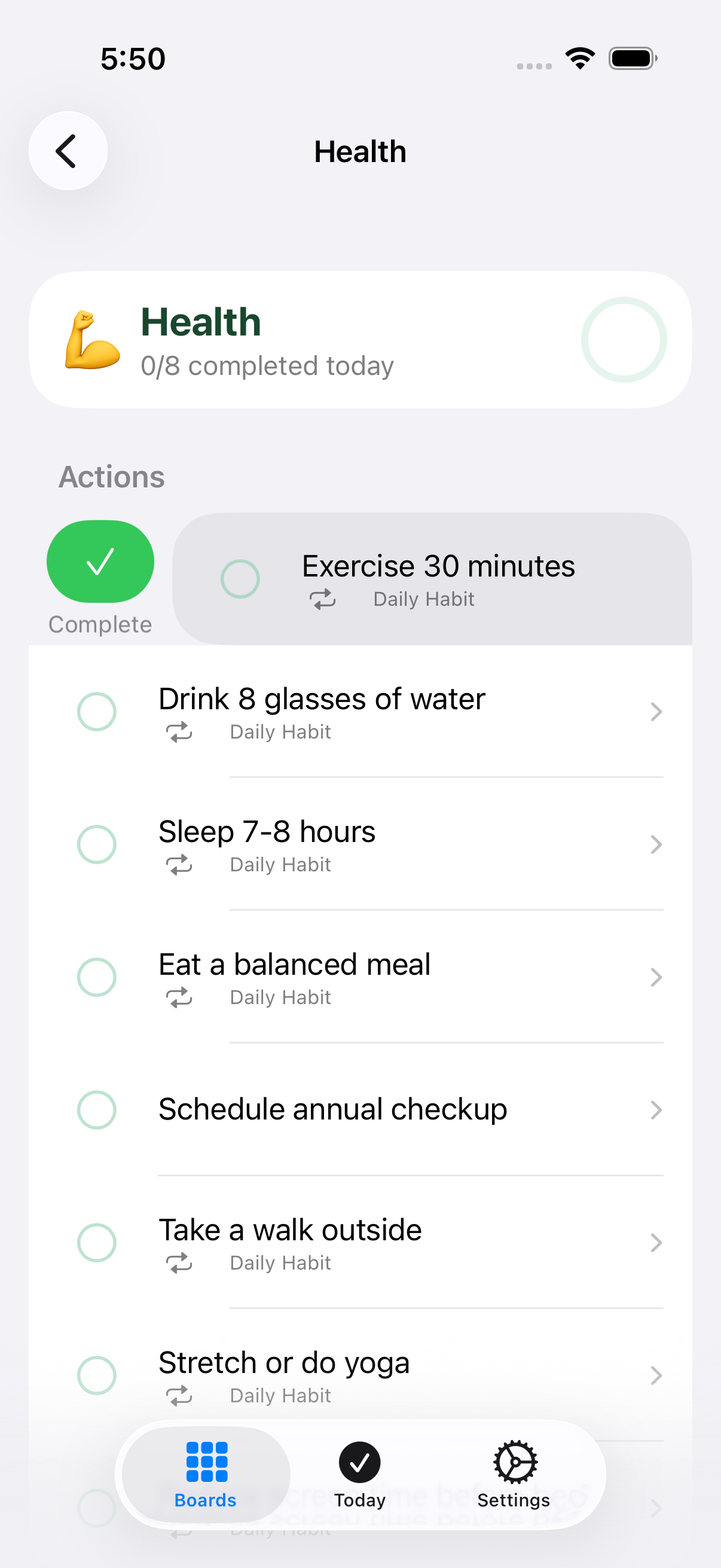
Complete / Undo (leading swipe)
Swipe right on an action row to complete or undo it — the same toggle as tapping its leading circle. A tip introduces this gesture the first time you see it.
Delete Action
Long-press an action row and choose Delete Action to open the same delete confirmation as the trailing swipe.
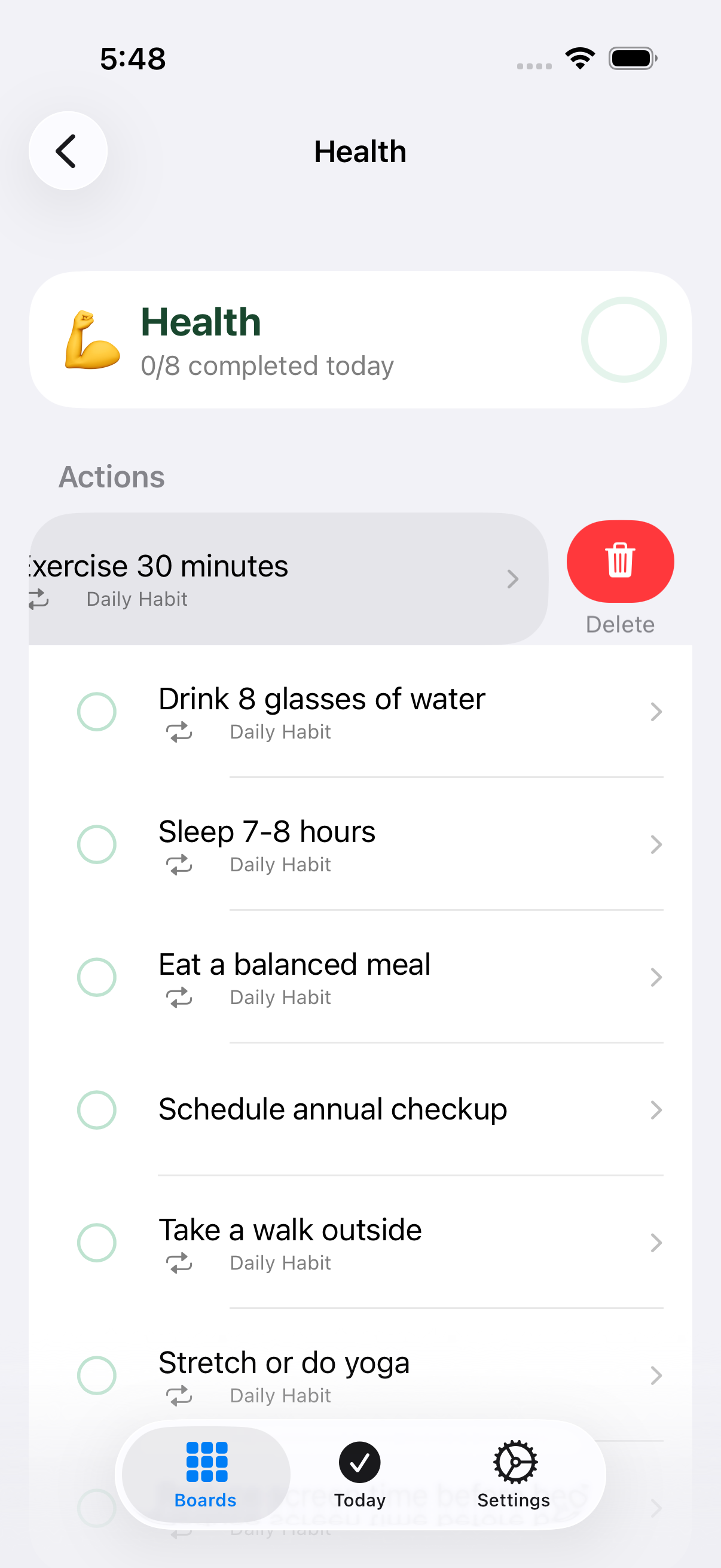
Delete (trailing swipe)
Swipe left on an action row to reveal Delete, which opens the delete-confirmation alert.
Toggle today’s completion
Toggles this action’s completion for today. The circle fills green when done and a success haptic confirms the change.