Board Editor
Last updated
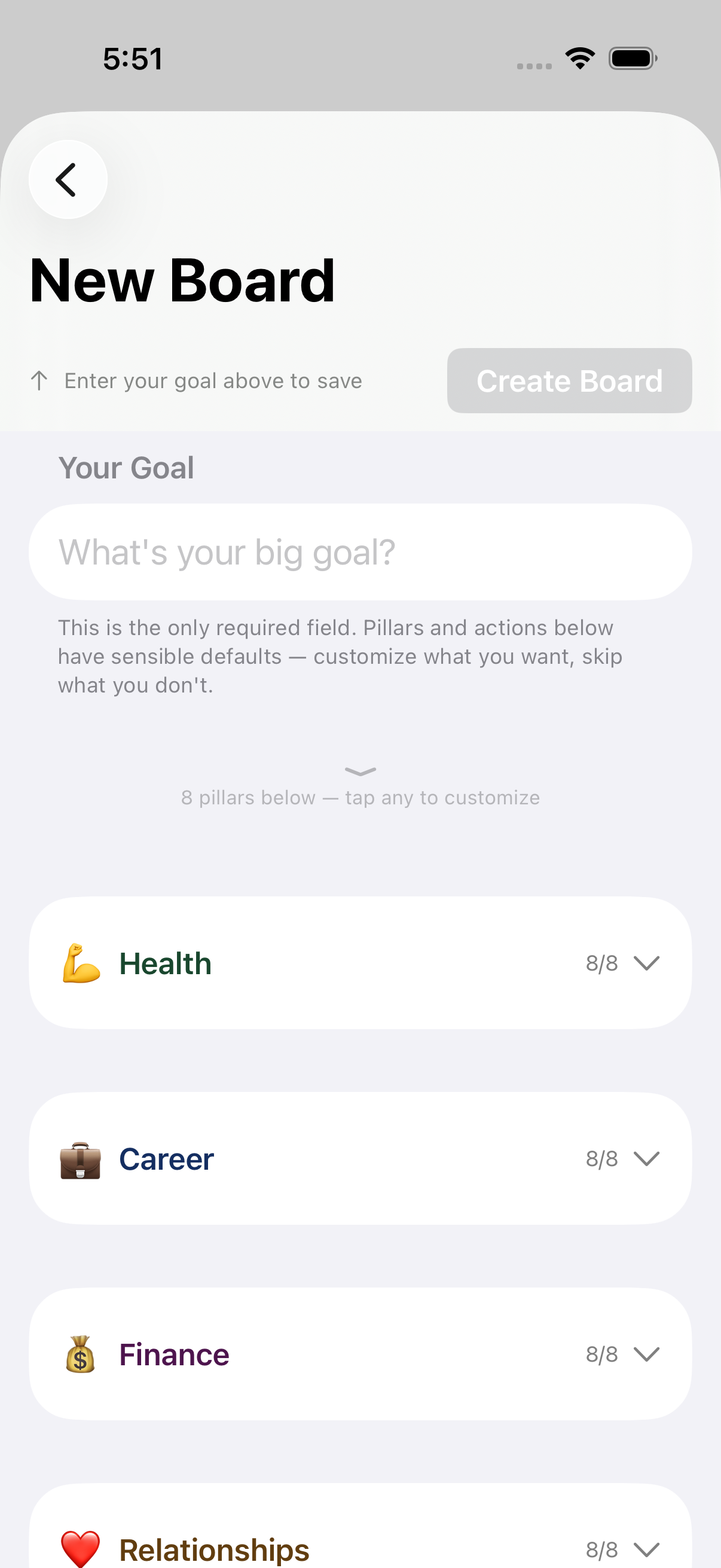
Set your board’s goal and customize pillars, actions, and habits before saving.
Board title (goal)
Enter your main goal here — it’s the only field required to save a board. Everything else has sensible defaults.
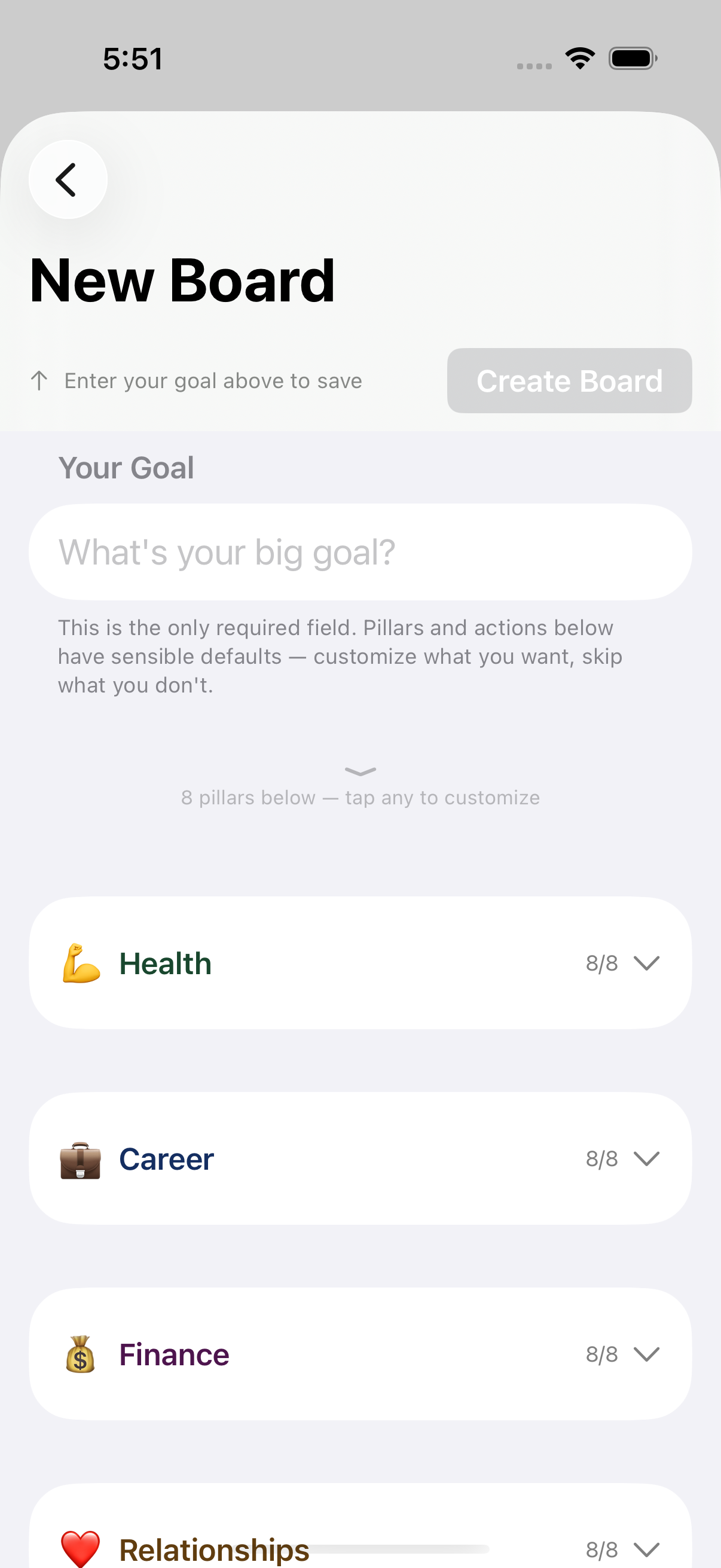
Action text field
Edit the text of a single action within an expanded pillar.
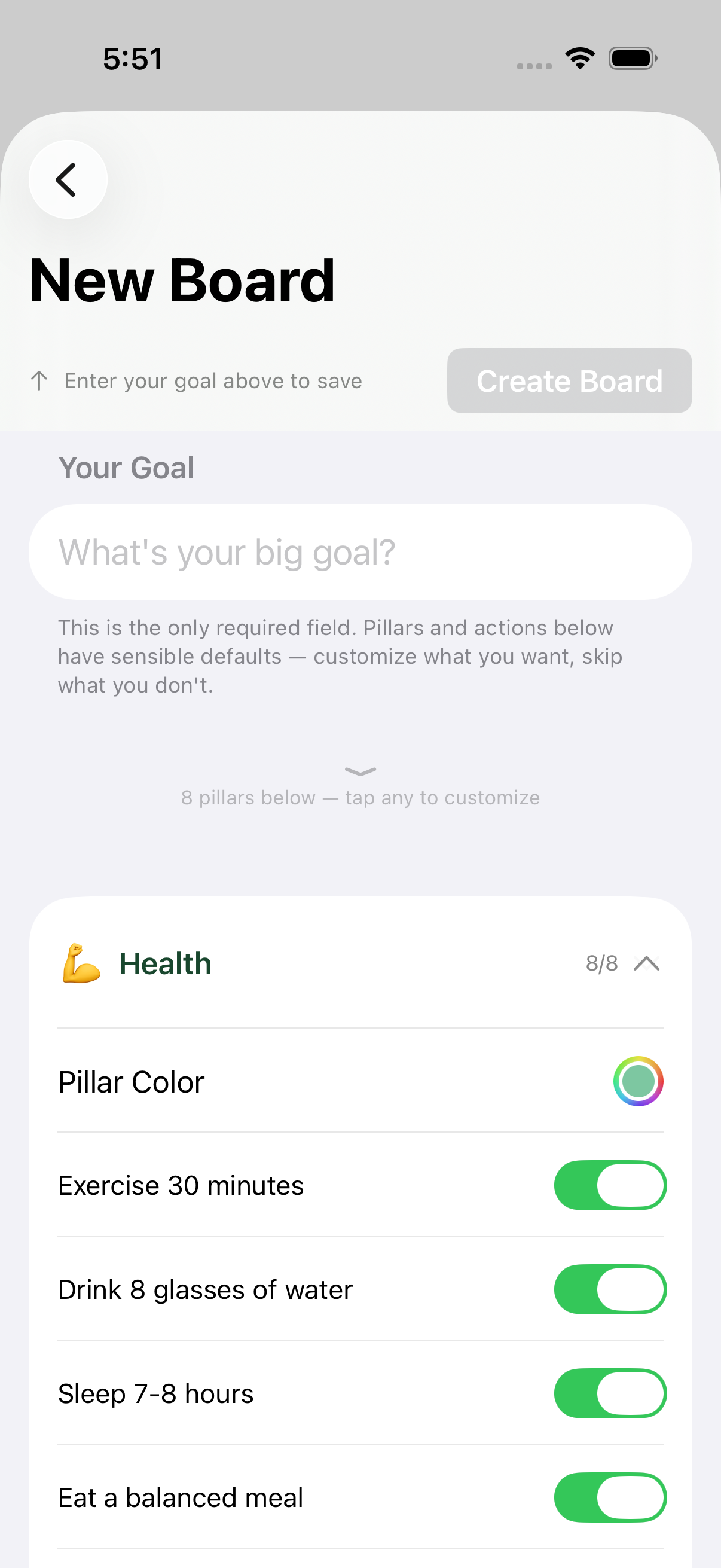
Habit toggle
Marks this action as a recurring daily habit instead of a one-time task, so it shows up in daily check-in.
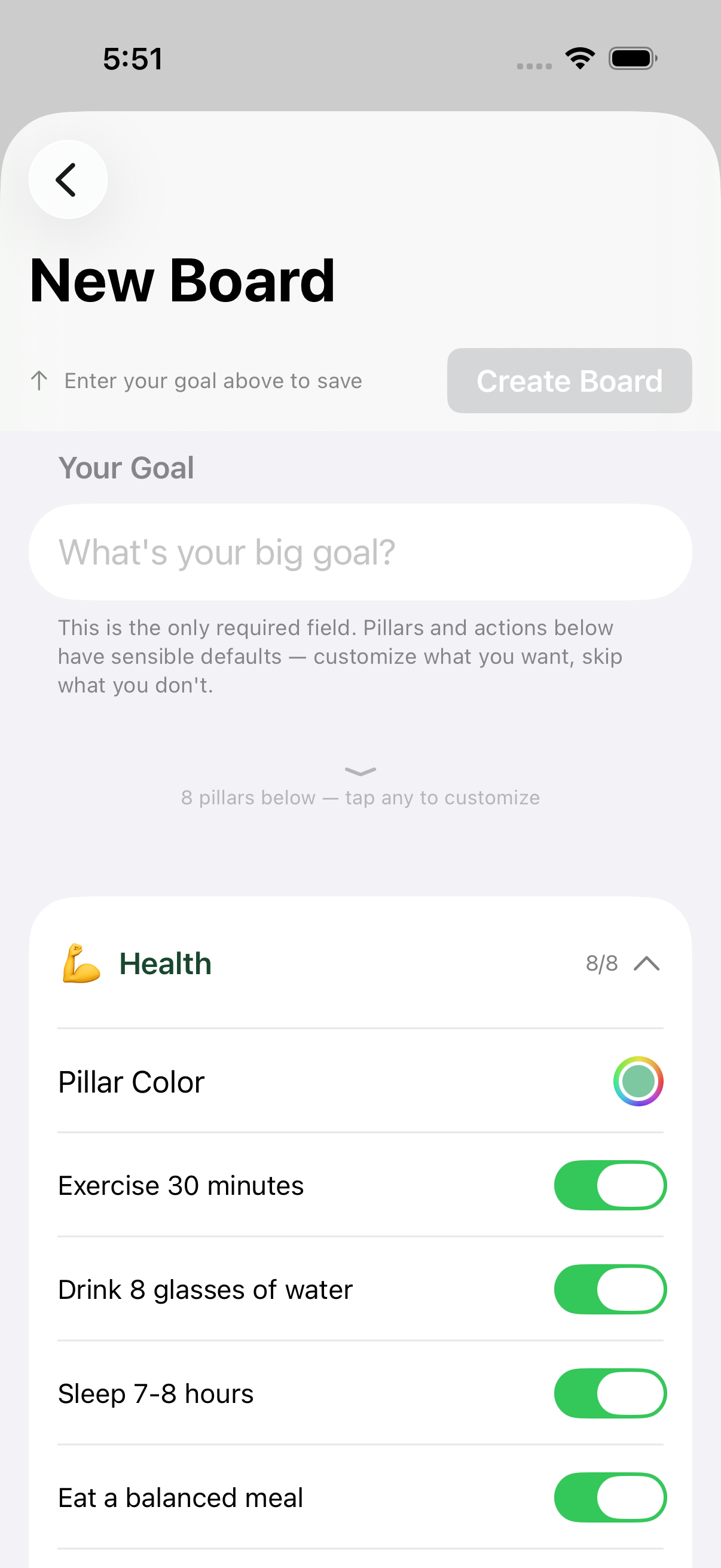
Pillar Color
Choose a custom color for this pillar. The color tints the pillar’s header, grid cells, and progress accents everywhere the board is shown.
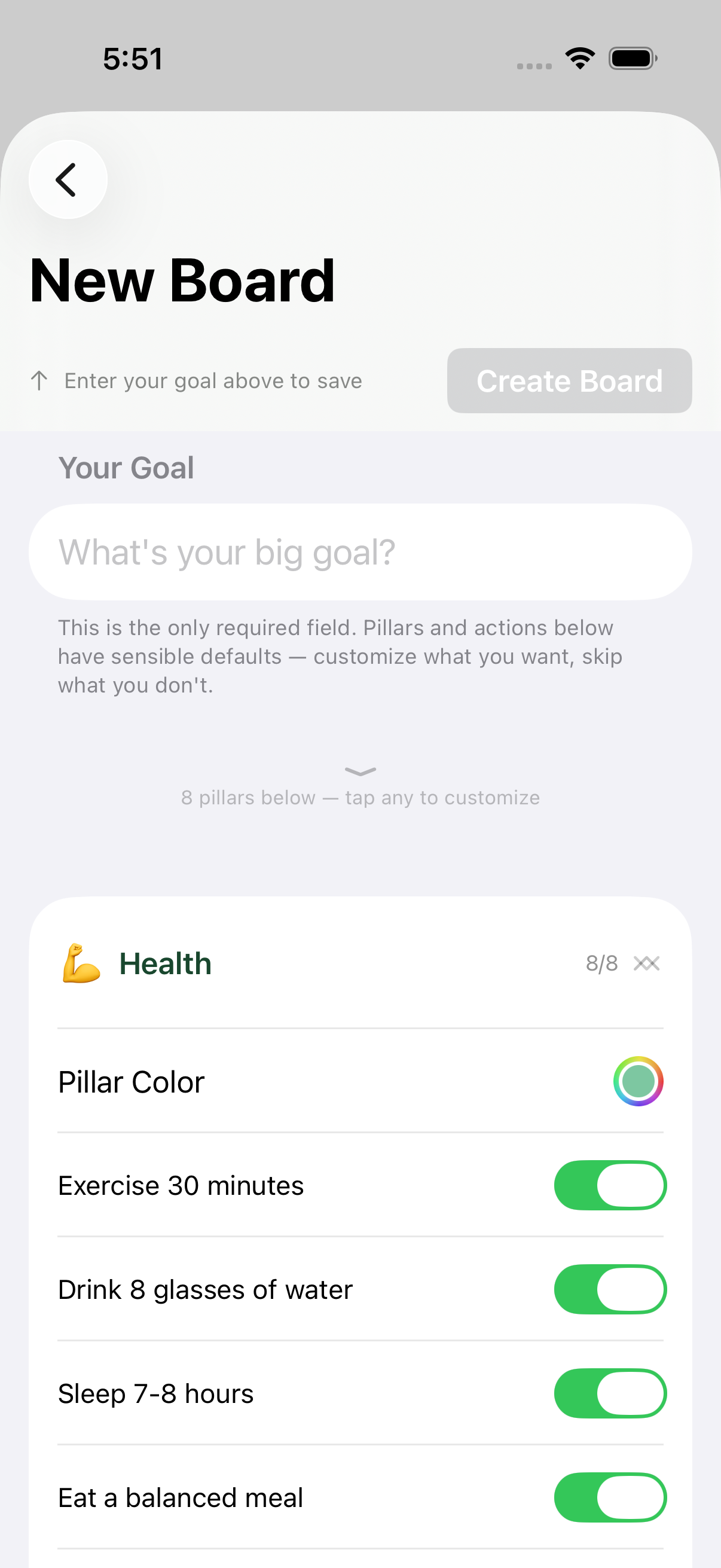
Pillar header (expand/collapse)
Expands or collapses a pillar to show its color picker and 8 action fields.
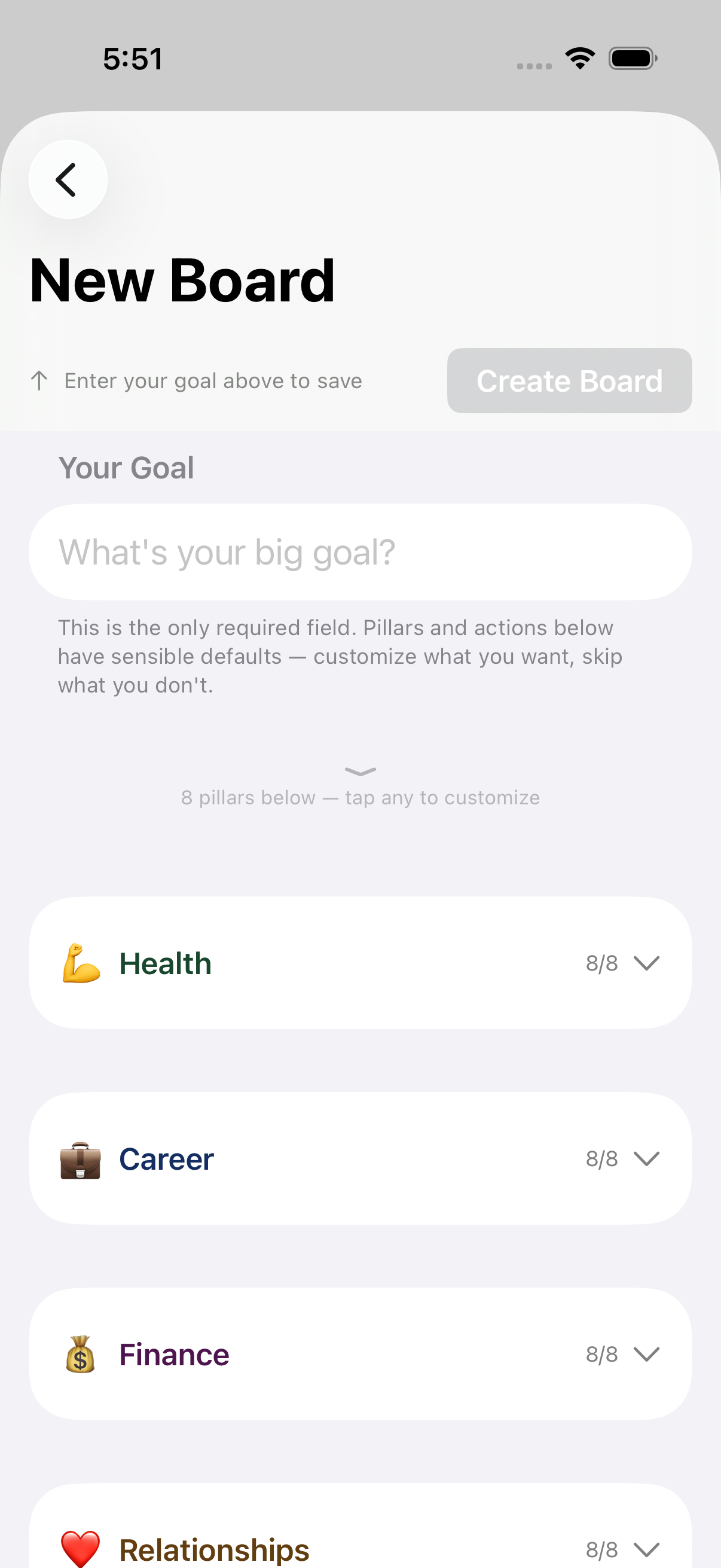
Pillar title field
Renames the pillar. Tap the title in the pillar header and type — no need to expand the section first.